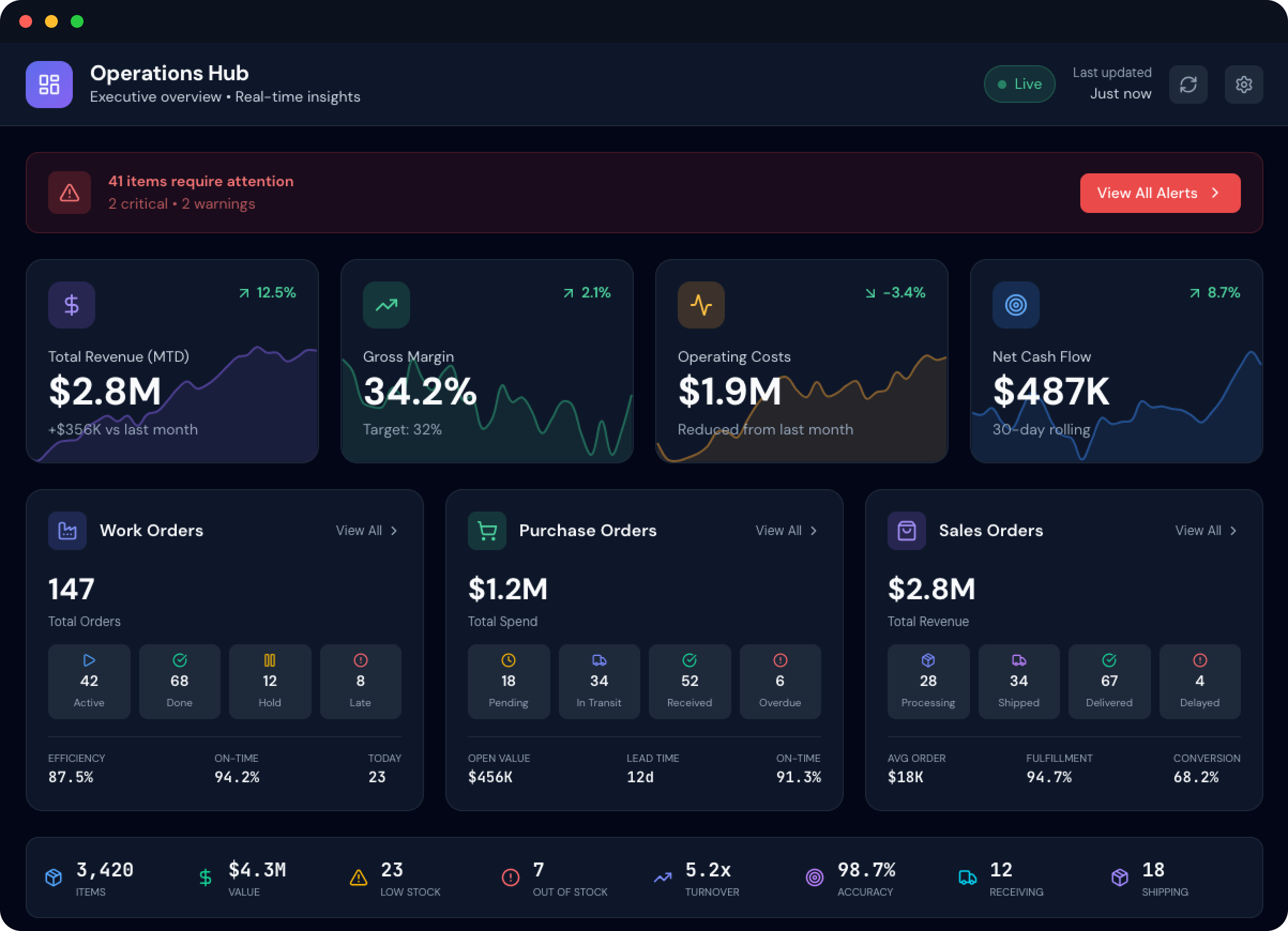
Leadership sees the truth
Live dashboards reflect what's actually happening on the floor, not a version of reality from yesterday's data entry batch.

A modern, cost-effective production management system for manufacturers.
Keep your ERP. Fix the production blind spot.
Nodal simplifies data input at every stage of the production process, equipping decision-makers with real-time data. Know where the bottlenecks are, where inventory is getting lost, and why scrap rates are creeping up, without burdening the team on the floor.
Scan badge at the tablet. No passwords. Logged in with role-based permissions.
See assigned jobs. Tap to open. Routing and BOM are right there.
One tap to start. Labor time captured automatically against the work order.
Scan as you consume. Real-time inventory deduction. Full lot traceability.
Log quality, scrap, or completion. Next operation gets the handoff automatically.
Generic business software wasn't built for a noisy, dimly-lit, gloved-hand environment. Every screen on Nodal Shopfloor was built because we've watched the people who'd use it actually use it.
No passwords to forget or share. Badge scan logs in with role-based permissions and personal time tracking.
Designed for gloved hands and quick taps. No tiny menus, no buried screens, no need to slow down to navigate.
Built for overhead lighting and screen glare. High contrast. Easy on the eyes through a full shift.
Materials, work orders, locations, lots. Barcode scanning drives every workflow: no typing, no lookups, no errors.
Failed quality check? Tap a reason code, enter quantity, done. Scrap captured immediately. Quality trends visible the same minute.
When an operator completes a step, the work order status updates for everyone. No batch processing. No end-of-shift catch-up.
When operators log production at their station, not on a clipboard that gets entered at the end of shift, you get something your current system probably can't deliver: data that's current, accurate, and trustworthy enough to make decisions on.
Live dashboards reflect what's actually happening on the floor, not a version of reality from yesterday's data entry batch.
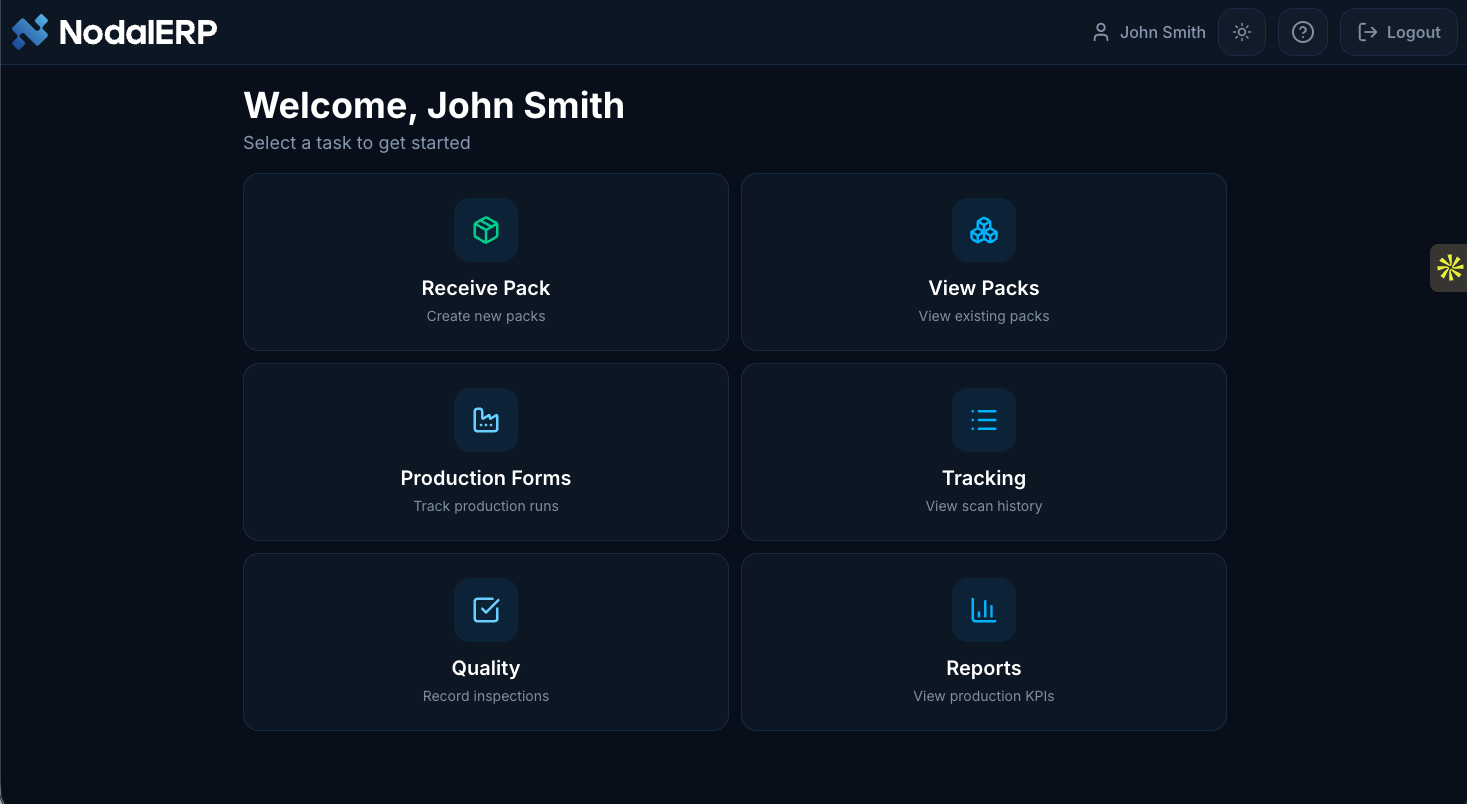
No leaving the station to find a computer. No paperwork piling up to enter later. Less time on overhead, more time on the job.
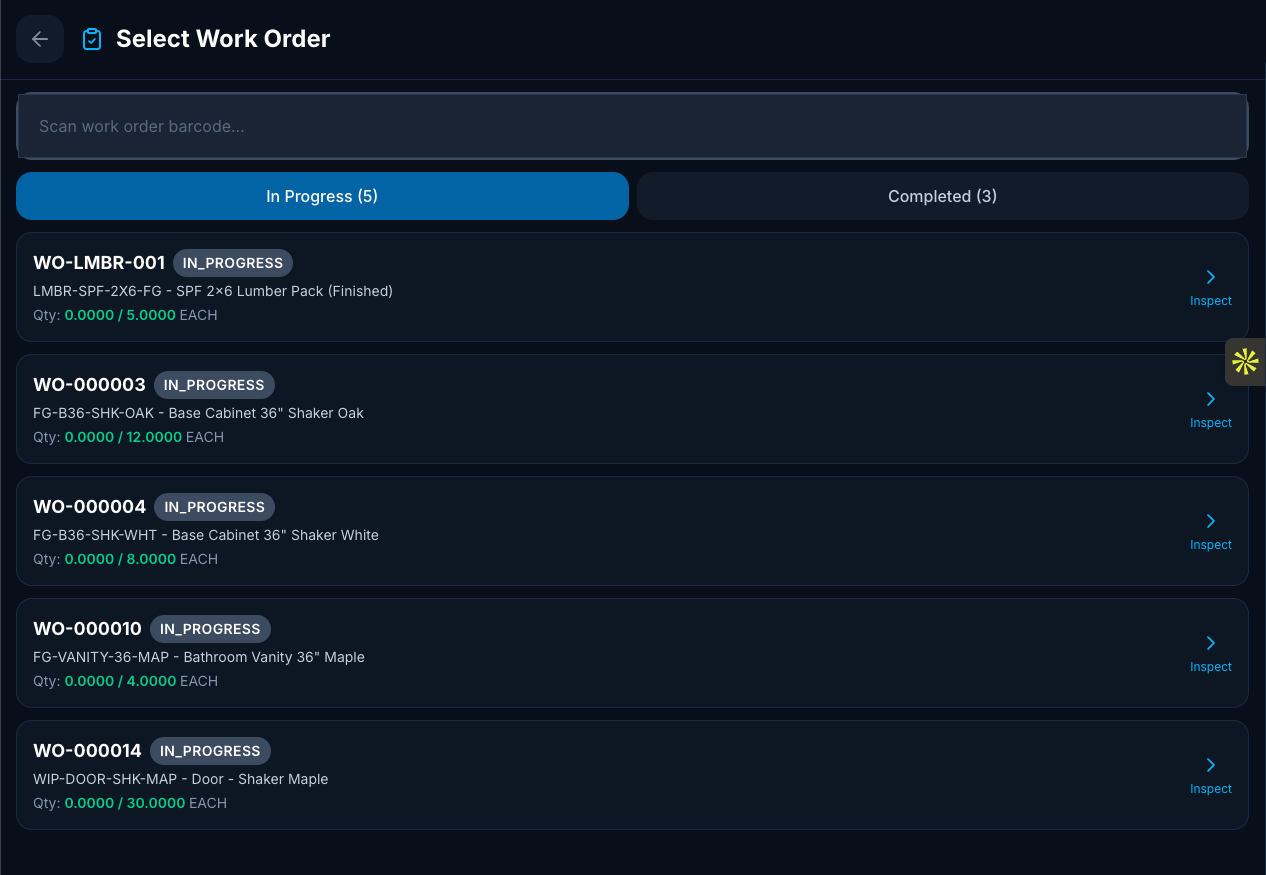
Scrap and quality fails feed trend reporting in real time. Spot recurring problems in days, not at month-end review.
Nodal Shopfloor is built around modern APIs and easy connectivity, making it simple to integrate with the ERP, CRM, accounting, and other systems you already use. Focused workflows can be configured and deployed in days, not quarters.
No rip-and-replace. No massive custom integration project. Just production data flowing where it needs to go.
Nodal Shopfloor runs on your existing iPads, phones, and PCs. If you already have scanning systems, we'll integrate with them. If you want shop-floor-ready hardware shipped and configured, our Floor-Ready Kit includes Chromebooks, scanning guns, and label printers per workstation.
For most facilities, Nodal can be turned on and in use in a matter of days. Here's the implementation.
Scope a single line. Configure stages, work centers, user roles, and badge scans.
Load products, materials, and work orders. Train supervisors and operators.
Run the test. Watch where people get stuck. Adjust screens and workflows.
Go live. Then add lines, integrations, and modules as the team's ready.
30 minutes. Real workflows. Show us your production process and we'll walk through how operators would use Nodal Shopfloor on the tablet.